Data Dwell Blog
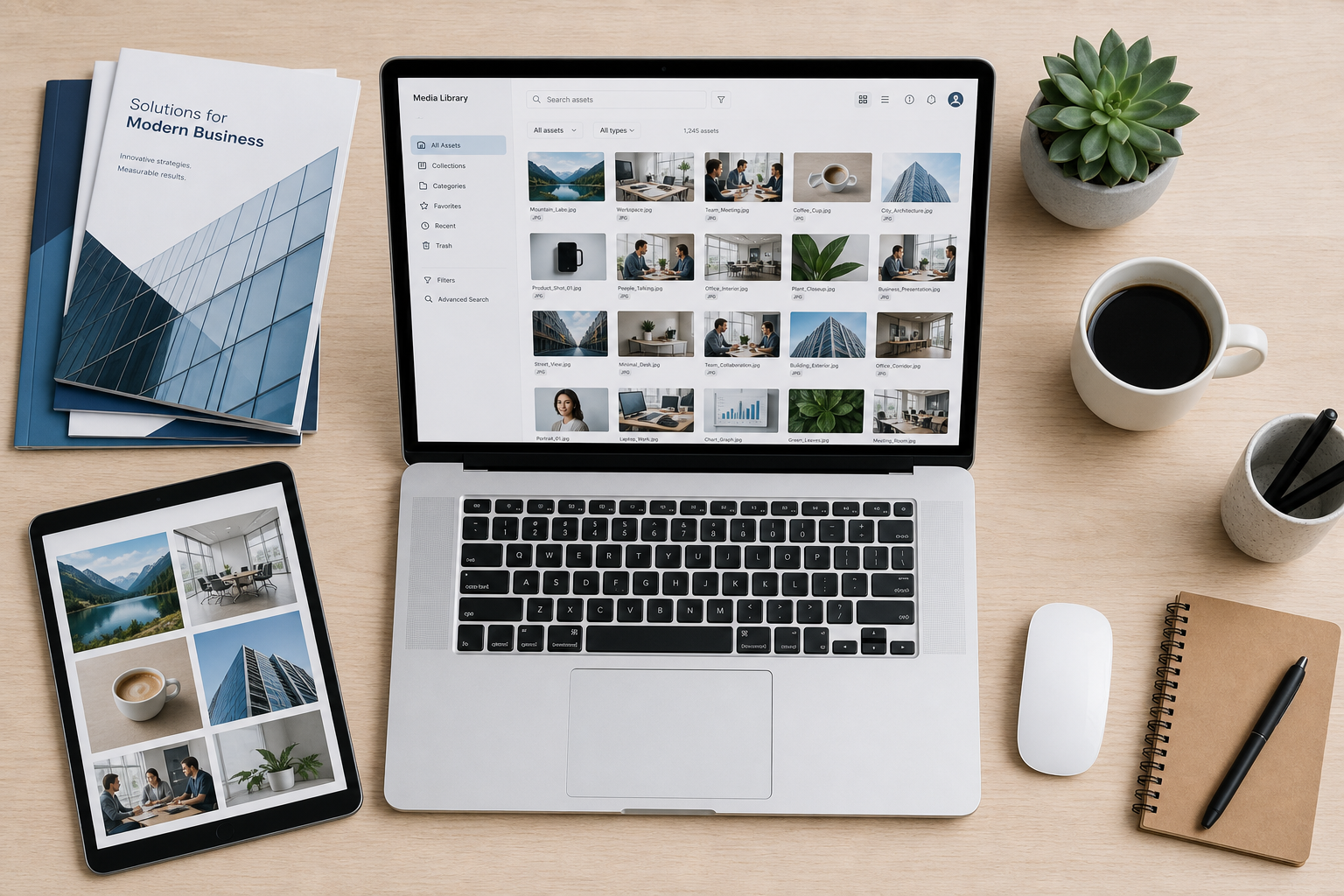
Digital Asset Management Software That Works
When a sales rep grabs the wrong product sheet, a regional team shares an outdated logo, or a designer spends 20 minutes hunting for a file that should take 20 seconds to find, the problem usually is not content creation. It is content control. That is exactly where digital asset management software earns its place.
For teams managing thousands of images, videos, PDFs, presentations, and brand files, shared drives and scattered cloud folders stop working long before anyone wants to admit it. Files multiply. Naming conventions break down. Versions drift. Access gets messy. And every small delay adds up across marketing, creative, operations, sales, and external partners.
Digital asset management software gives organizations a central system for storing, organizing, searching, sharing, securing, and tracking digital content. But not every DAM solves the same problem in the same way. Some platforms are built like IT projects. Others are built like business tools. That difference matters more than feature checklists suggest.
What digital asset management software should actually fix
A DAM should reduce friction in daily work. That sounds obvious, but many systems are purchased for governance and then rejected by the people who need to use them every day. If it is slow to deploy, hard to search, or confusing to navigate, teams will keep using old folder structures, side-channel sharing, and local downloads.
The real job of a DAM is broader than storage. It should help teams find the right file fast, understand whether it is current, know who can use it, distribute it in the right format, and see how assets are performing once shared. If those actions still require extra tools, manual work, or admin support, the platform may be centralized on paper but fragmented in practice.
That is why ease of use is not a soft requirement. It is core infrastructure. A platform that people adopt quickly will deliver more control than a more complex system that never becomes part of the workflow.
The best digital asset management software balances speed and control
There is a common trade-off in this category. Older DAM platforms often offer deep enterprise capabilities, but they come with long implementation cycles, rigid setup requirements, and heavy reliance on consultants. Simpler file libraries are easier to launch, but they often lack permissions, metadata structure, analytics, versioning, and branded sharing options.
The best digital asset management software sits between those extremes. It should be easy enough for business teams to launch quickly and structured enough to support governance at scale. That means fast onboarding, intuitive navigation, flexible metadata, strong search, clear version control, and granular permissions without turning setup into a months-long project.
For many organizations, the goal is not to build a perfect taxonomy before anyone uploads a file. The goal is to get useful fast, then improve over time. A DAM that supports that path creates value earlier and lowers adoption risk.
What to look for in digital asset management software
Search is usually the first test. If users cannot find what they need quickly, they will not trust the system. Keyword search alone is rarely enough once file volume grows. Strong DAM platforms improve retrieval with AI-powered search, smart metadata, and auto-tagging so teams can locate content based on file attributes, usage context, or visual relevance rather than perfect naming.
Organization matters too, but flexibility matters more. Rigid folder hierarchies tend to recreate the same problems teams already have. Metadata-driven organization gives companies a better way to classify assets by campaign, product line, region, audience, expiration date, or approval status. It also makes one file usable across multiple workflows instead of trapped in one folder path.
Sharing is another major decision point. Internal teams need quick access, but external sharing often creates even more friction. Agencies, distributors, retailers, franchisees, and sales partners need approved content without getting full system access. Branded portals and digital sales rooms help organizations distribute assets in a controlled way while keeping the experience professional and on-brand.
Then there is file preparation. If users have to download an original file, open another tool, resize it, convert it, and rename it before sending it on, the workflow is still too manual. Built-in file conversion reduces those extra steps and helps teams move content faster.
Security and governance cannot be added later as an afterthought. A good DAM should support role-based permissions, version control, auditability, and clear access rules from the start. But there is a nuance here: more control is not always better if it makes routine access painful. The right model gives organizations precision where risk is high and simplicity where work needs to move.
Why implementation speed matters more than most buyers expect
Long software rollouts are often treated as normal in DAM buying. They should not be. If a platform takes months to configure before users can rely on it, the business absorbs the cost in delays, workarounds, and adoption fatigue.
Fast deployment is not just a convenience. It changes the economics of the project. Teams start organizing assets sooner, using metadata sooner, fixing access issues sooner, and seeing usage patterns sooner. Stakeholders get proof of value before enthusiasm fades. Admin teams spend less time in setup mode and more time improving real workflows.
This is where many buyers get stuck. They assume enterprise-grade functionality requires enterprise-grade complexity. It does not have to. Platforms built for modern teams can offer advanced search, permissions, versioning, analytics, and branded sharing without requiring a consultant-led implementation just to get started.
That approach is especially relevant for mid-market companies and enterprise teams that need control but cannot afford to wait a quarter for a usable system. Set up in minutes is not a marketing flourish if it removes the biggest barrier to adoption.
Common signs your team has outgrown folders and file shares
Most organizations do not decide to buy a DAM because they suddenly love metadata. They buy because operational friction becomes impossible to ignore.
Maybe marketing cannot confirm which assets are approved for partner use. Maybe creative teams are fielding the same file requests every day. Maybe sales content lives in five places and none of them are reliable. Maybe regional teams keep re-creating assets because they cannot find what already exists. Maybe legal or brand leaders have no visibility into what is being shared externally.
These are not edge cases. They are signals that content volume and business complexity have outgrown general-purpose storage. Once that happens, every department pays the price in wasted time, duplicated work, inconsistent branding, and unnecessary risk.
Choosing software your team will actually use
The buying mistake to avoid is selecting a DAM based only on admin requirements. Governance matters, but if the day-to-day user experience is clumsy, the platform will struggle to gain traction.
Look closely at how quickly a new user can search, preview, filter, share, and download the right version of a file. Evaluate how easy it is to apply metadata in real workflows, not just in a clean demo environment. Consider whether external sharing feels controlled and polished. And ask how much support your team will need to get from sign-up to live usage.
This is also where vendor posture matters. Some providers treat onboarding as a professional services project. Others treat it as a product experience. If your team wants immediate time-to-value, that distinction is critical.
A practical example is Data Dwell, which focuses on giving teams enterprise-level DAM capabilities with consumer-level ease of use. That model appeals to organizations that need serious control but have no interest in complicated setup, slow launches, or consultant dependency.
The real return on digital asset management software
The ROI of a DAM is not limited to storage savings. It shows up in faster content retrieval, fewer duplicate assets, cleaner brand distribution, reduced manual support, better partner access, and stronger visibility into how assets are used.
Some benefits are immediate. Users spend less time searching. Teams stop sending outdated files. External partners get approved assets through structured channels. Other benefits build over time. Metadata quality improves, reporting gets more useful, and content operations become easier to scale across teams and markets.
It depends, of course, on adoption. A powerful platform that sits half-used will underperform a simpler platform that fits the way your teams already work. The best choice is usually the one that delivers both control and momentum.
If your content operation feels bigger than your current tools but smaller than a massive software overhaul, that is not a gap. It is the exact reason modern DAM platforms exist. The right system should help your team move faster this month, not just promise better order someday.