Data Dwell Blog
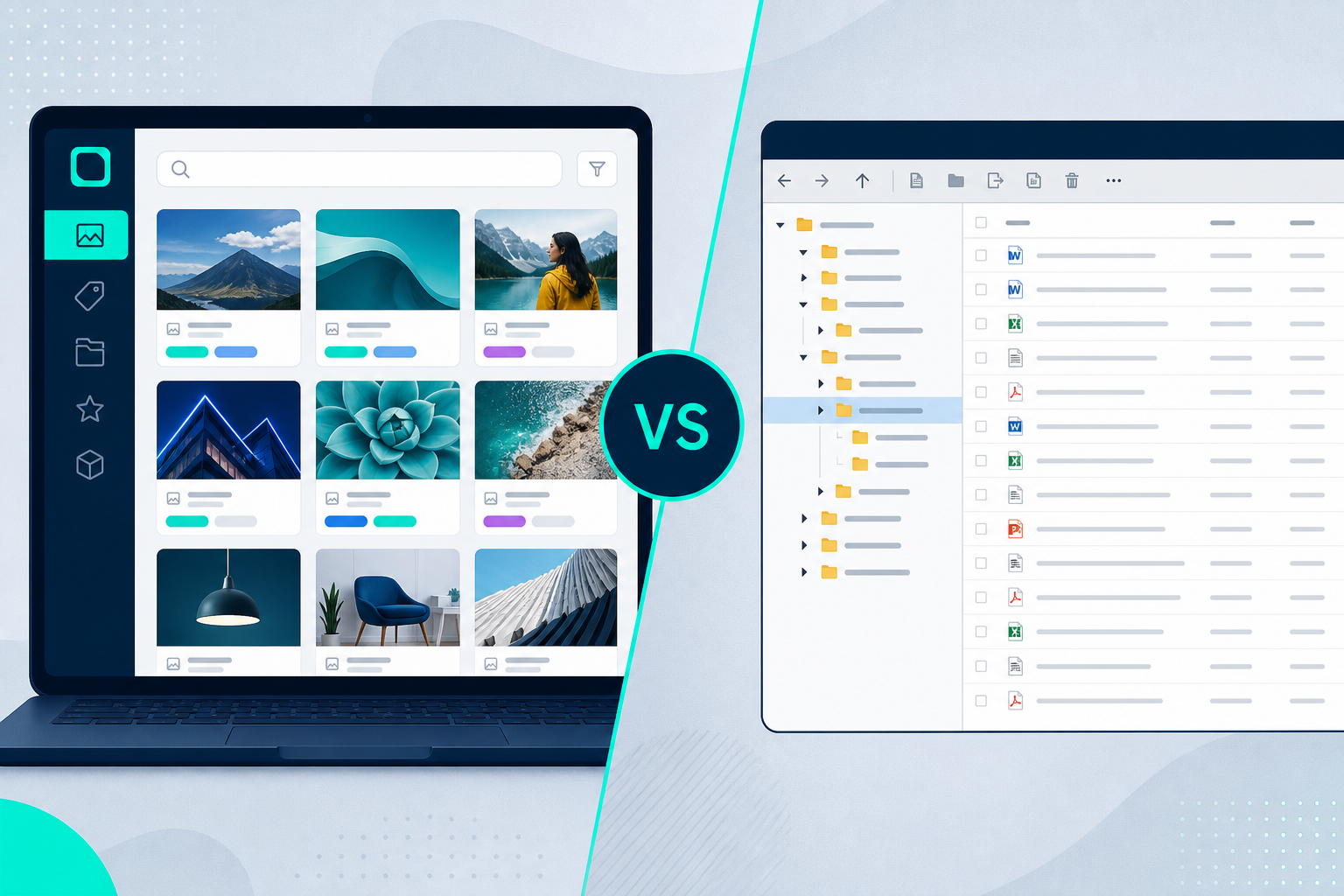
Digital Asset Management vs SharePoint
A lot of teams realize they have a content problem right after a simple request turns into a 20-minute hunt. Someone needs the latest logo, the approved product photo, or the current sales deck, and suddenly three folders, two chats, and an email thread are involved. That is where the digital asset management vs SharePoint question usually starts - not as a software debate, but as an operational one.
If your team manages a growing library of brand, creative, sales, product, or partner content, the real issue is not whether SharePoint can store files. It can. The real issue is whether it helps people find the right file fast, share it confidently, and control it at scale without adding friction.
Digital asset management vs SharePoint: the core difference
The simplest way to think about digital asset management vs SharePoint is this: SharePoint is a broad document and collaboration platform, while a DAM is purpose-built for managing rich media and brand content.
That difference matters more than it sounds. A platform designed for general file storage and internal collaboration will approach organization, search, permissions, and distribution differently than a platform built specifically for large volumes of images, videos, presentations, design files, and other approved assets.
SharePoint works well when your priority is document collaboration inside Microsoft 365. Teams can create sites, manage files, co-author documents, and control access within a familiar environment. For many organizations, that is enough for policies, reports, contracts, and internal working files.
A DAM is built for a different job. It focuses on how assets are tagged, previewed, searched, versioned, approved, transformed, shared externally, and tracked after distribution. If your content needs to move across departments, agencies, distributors, franchisees, or sales teams, those details stop being nice to have.
Where SharePoint fits well
It is worth being fair here. SharePoint is not the wrong answer for every content challenge.
If your business mainly needs a centralized place for Office documents, internal team sites, and structured collaboration around business records, SharePoint can be a strong fit. It is often already part of the Microsoft stack, which lowers procurement friction and simplifies user adoption for basic tasks. For IT teams, it also offers governance controls that align with wider enterprise infrastructure.
SharePoint can also work for smaller asset libraries when file usage is straightforward. If your marketing team has a modest number of files, limited external sharing needs, and low pressure around brand consistency, it may do the job for a while.
That said, “can work” and “works well at scale” are not the same thing. Many teams outgrow SharePoint when content volume increases, asset types become more varied, or external distribution becomes part of daily operations.
Where SharePoint starts to struggle
The pressure points usually show up in search, usability, and control.
First, rich media management is not SharePoint’s native strength. Large image libraries, video collections, packaged campaign assets, and design source files need more than folder structures and basic file properties. Teams need visual previews, smart metadata, asset relationships, version clarity, and ways to surface the right content without relying on exact file names or tribal knowledge.
Second, external sharing can get messy. Sending content to partners, dealers, resellers, media contacts, or field teams is rarely just about access. It is about presenting approved assets in a branded, organized way, while still controlling who sees what and tracking engagement. SharePoint can share files, but it is not built around curated asset delivery.
Third, adoption often drops when the experience feels administrative instead of intuitive. If people need training just to browse libraries correctly, they will create workarounds. That usually means duplicate files, local downloads, renamed versions, and a slow drift away from governance.
What a DAM is built to do
A DAM starts with a more specific assumption: digital content is a business asset, not just a file.
That changes the entire experience. Instead of asking users to navigate storage, a DAM helps them retrieve, use, and distribute approved content quickly. Search is stronger because metadata is central, not optional. Visual discovery is easier because previews are part of the workflow. Version control is clearer because the system is designed to support asset lifecycles, not just file retention.
This is especially important for marketing, creative, and brand operations teams. Those groups often manage thousands or millions of files across campaigns, products, regions, and audiences. They need the latest version, the right format, and the right usage rights without wasting time asking around.
A modern DAM also helps teams move faster after the file is found. That might mean automatic file conversion, branded portals for partners, digital sales rooms for sales enablement, granular permissions by role or region, or analytics that show what content is actually being used.
Search is where the gap becomes obvious
Most teams tolerate a weak file system until search becomes a daily drag.
In SharePoint, search quality often depends heavily on naming conventions, folder discipline, and manual structure. That can be manageable in theory and frustrating in practice. As more people upload files, consistency slips. One team uses abbreviations, another uses campaign codes, and a third uploads final_v2_revised_APPROVED files that nobody trusts.
A DAM is designed to reduce that chaos. Metadata can be standardized. Auto-tagging can speed up organization. AI-powered search can help users find assets based on content, context, or related terms rather than exact titles. That means less dependency on perfect human behavior, which is usually where file systems break down.
For organizations with global teams or high asset turnover, that difference directly affects productivity. Saving a few minutes per search sounds minor until it happens hundreds of times per week.
Governance matters, but usability matters just as much
Enterprise buyers often focus on control first, and that makes sense. Permissions, auditability, and asset security are non-negotiable when content is valuable or sensitive.
But governance without usability creates a different problem. If the secure system is hard to use, people route around it. They download assets to desktops, send attachments over email, or store copies in personal cloud accounts. Security policies may still exist on paper, but operational control is already gone.
This is one reason many organizations look beyond traditional DAMs and beyond SharePoint at the same time. They want enterprise-grade permissions and reporting, but they also want a system people will actually use without a long rollout or consultant-led implementation.
That is where a platform like Data Dwell fits the market well. It gives teams DAM-level functionality such as metadata, smart search, sharing control, analytics, and versioning, while keeping setup fast and adoption practical. For buyers tired of heavy deployments, that speed matters.
Which option is right for your team?
It depends on how your content is used, not just where it is stored.
If your priority is internal document collaboration across Microsoft apps, SharePoint is often the logical choice. If most files are Word, Excel, PowerPoint, and policy documents, and if external asset distribution is limited, it may cover your needs efficiently.
If your team manages brand assets, campaign files, photos, videos, sales collateral, product content, or partner-ready materials, a DAM is usually the better fit. The more your success depends on fast search, clean versions, external sharing, and consistent brand control, the stronger the case becomes.
There is also a middle-ground reality that many companies face. SharePoint may still have a role for internal documentation, while a DAM handles the asset library that marketing, creative, sales, and partners rely on every day. This is often the most practical setup because it respects what each platform is actually built to do.
Cost is not just the subscription line
On paper, SharePoint can look like the cheaper option, especially if your organization already licenses Microsoft 365. But software cost is only one part of the decision.
You also need to factor in the time teams spend searching, recreating missing files, correcting brand inconsistencies, managing manual requests, and dealing with version confusion. If external users struggle to access the right assets, that cost spreads into sales execution, partner performance, and customer experience.
The same goes for implementation. Some DAM buyers hesitate because they assume every DAM requires a long, expensive setup. That used to be a fair concern. It is less true now. Modern DAM platforms can be deployed far faster than legacy systems, with less dependency on consultants and less internal overhead.
The right question is not whether one platform is technically capable of holding files. It is which system reduces friction across the full asset lifecycle.
When teams ask about digital asset management vs SharePoint, they are usually asking something more practical: how do we stop wasting time, reduce content chaos, and give people a reliable source for approved assets? That answer depends on your workflows, your volume, and your growth plans. But if content is central to how your business operates, the platform built for assets will usually create better outcomes than the platform built for general files.
Choose the system that people will trust, use, and benefit from on day one. That is what turns content management from a storage issue into a business advantage.