Data Dwell Blog
DAM vs Google Drive: What Teams Outgrow
A folder called Final, another called Final 2, and one more called Use This One. That is usually the moment the DAM vs Google Drive conversation stops being theoretical. For growing teams, the issue is not whether Google Drive can store files. It can. The issue is whether it can help people find the right asset fast, control who uses it, track what happens after sharing, and keep brand content organized at scale.
Google Drive is familiar, inexpensive, and easy to start with. That matters. Many teams already use it, and for basic file storage and collaboration, it does the job. But digital asset management solves a different business problem. A DAM is built for companies that need to manage large volumes of approved content across teams, markets, partners, and channels without losing control.
DAM vs Google Drive: The Real Difference
Google Drive is a general-purpose cloud file system. It stores documents, presentations, spreadsheets, videos, images, and more in folders that users can create and share. It works well for active collaboration, especially when teams are drafting content together inside Google Workspace.
A DAM is purpose-built for managing digital assets throughout their lifecycle. That includes storage, metadata, search, version control, permissions, distribution, and performance visibility. Instead of asking users to remember where a file lives, a DAM helps them search by what the file is, how it should be used, who can access it, and whether it is current.
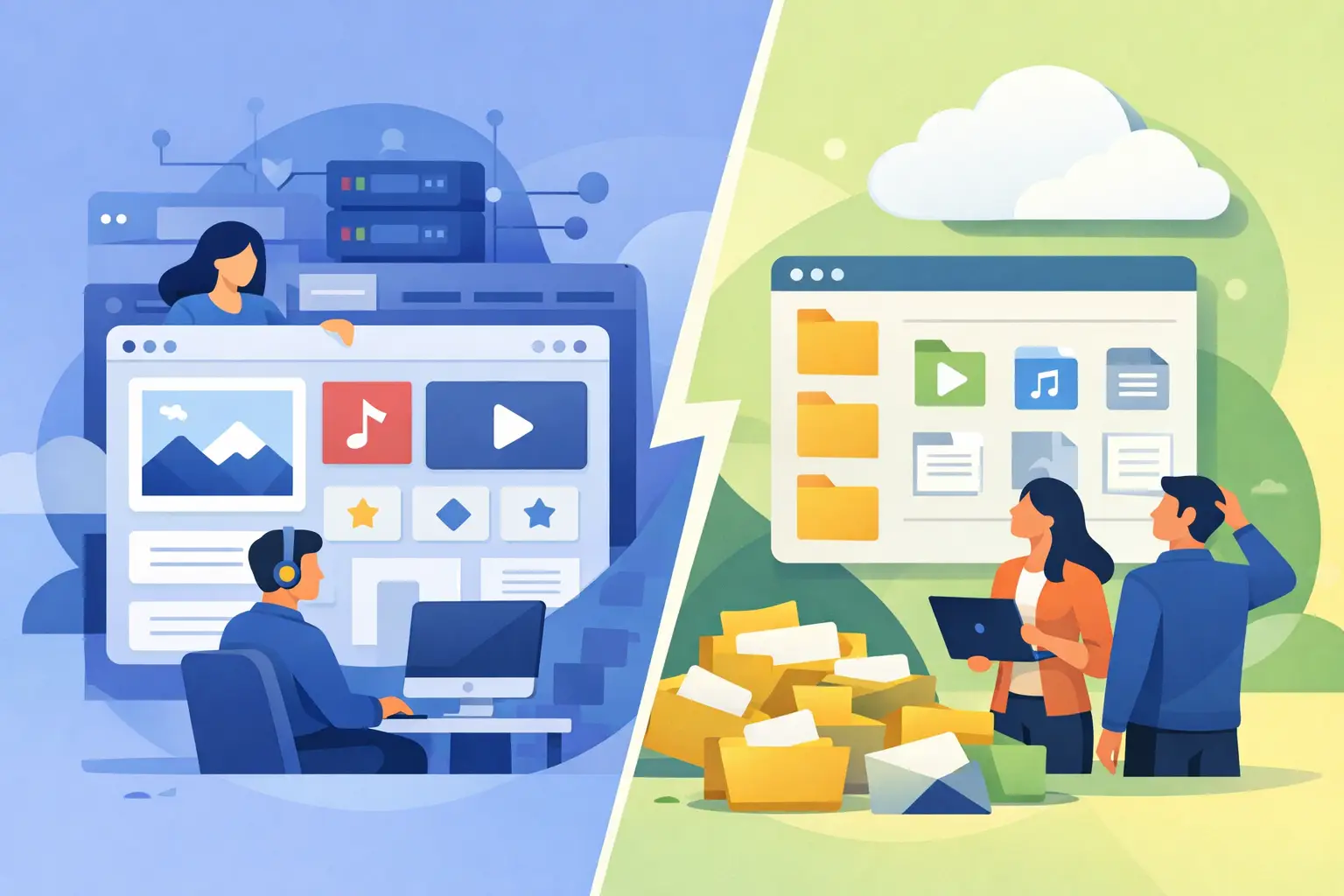
That distinction matters more as content volume increases. In a small team, a shared folder structure might be manageable. In a larger organization, folder logic tends to break down. Different departments name things differently. Regional teams duplicate assets. Agencies upload files with their own conventions. Soon, people stop trusting the system and save local copies just to be safe.
Where Google Drive Works Well
Google Drive earns its place in plenty of organizations. If your team mainly needs a central place to store work files, collaborate on drafts, and share internal documents, it is a practical option. It is especially effective when the content is still in development and the priority is collaboration, not governance.
It also works for smaller teams with limited asset complexity. If you have a modest content library, no strict brand controls, and a low risk of partners using outdated material, Drive may be enough for now. Not every business needs a DAM on day one.
That said, many companies stay in Drive longer than they should because it feels familiar. Familiarity lowers friction at the start, but it can hide the operational cost of poor findability, duplicate files, and manual workarounds.
Where Google Drive Starts to Break
The first issue is search. Google Drive can search file names and some document content, but asset discovery becomes harder when teams rely on folders and inconsistent naming. If a user does not know the exact file name or where it was placed, finding the right image, video, presentation, or logo can take longer than it should.
The second issue is version confidence. Drive supports version history, but that is not the same as making approved assets easy to identify and distribute. Marketing teams often need to know which product photo is current, which logo is retired, which sales deck is approved for external use, and which regional variation should be shared with a partner. In a folder-based environment, that clarity usually depends on team discipline. Discipline is rarely a scalable system.
Permissions are another weak point in the DAM vs Google Drive comparison. Drive offers sharing controls, but many organizations need more granular access rules tied to teams, roles, regions, brands, or external stakeholders. They also need safer ways to share assets externally without exposing the rest of a folder tree or relying on one-off links that are hard to monitor.
Then there is metadata. This is where a DAM pulls away quickly. Assets are not just files. They are campaign materials, product images, approved brand elements, retailer content, market-specific variations, and licensed creative with expiration terms. A DAM lets teams structure that context directly into the asset record so people can filter, search, and govern content based on business rules, not just file location.
What a DAM Adds That Drive Does Not
A strong DAM gives teams a controlled system for storing and using content, not just a place to keep it. Metadata configuration is central here. With custom fields, tags, categories, and AI-assisted enrichment, users can locate assets based on product line, campaign, region, usage rights, audience, or any other field that matches how the business operates.
That changes the daily experience. Instead of clicking through nested folders, users can search for approved Q3 lifestyle images for a specific product family and region, then filter results by file type or date. That is faster, but more importantly, it reduces mistakes.
Distribution is another major difference. Many teams do not just need to store assets. They need to deliver them to sales reps, distributors, franchisees, media partners, or retailers in a controlled way. A DAM supports branded portals, curated collections, and digital sales rooms that make external sharing cleaner and more professional. It also avoids the common problem of sending a folder link and hoping people choose the right file.
Asset analytics matter too. Google Drive can tell you basic activity, but a DAM is better suited to tracking how assets are used, shared, downloaded, and engaged with. That visibility helps teams understand what content is actually working and where distribution is falling short.
Finally, there is operational control. A DAM can support automated file conversion, usage restrictions, approval workflows, and governance policies that are difficult to manage consistently in a general storage tool. For enterprise teams, those are not nice-to-haves. They are what keep content operations from drifting into chaos.
DAM vs Google Drive for Marketing and Brand Teams
Marketing and brand teams tend to feel these limits first. They are usually managing the highest volume of visual content, the most external sharing, and the greatest risk from outdated or off-brand assets.
If your team is constantly fielding requests like “send me the latest logo,” “where is the approved product video,” or “which deck should our partners use,” you are already paying a tax for not having a real asset system. That tax shows up in wasted time, inconsistent execution, and avoidable rework.
A DAM reduces that friction by giving teams one trusted source for finalized assets. It also helps non-creative users self-serve. Sales, field teams, partners, and regional stakeholders can find what they need without depending on marketing to act as the file librarian.
That is one of the clearest business cases for moving beyond Drive. The point is not replacing collaboration tools. The point is reducing bottlenecks and protecting brand consistency while making approved content easier to use.
When to Move from Drive to a DAM
There is no single threshold, but the pattern is easy to spot. You should start looking seriously at a DAM when content is spread across teams, external sharing is frequent, file retrieval is slowing people down, or asset misuse creates business risk.
You should also pay attention when your team starts creating manual systems around Drive. Spreadsheets that track approved files, naming conventions no one follows, duplicate folders for each region, and repeated requests for the same assets are all signs that the platform is no longer matching the workflow.
The right time to switch is before the mess becomes expensive. Waiting usually means more duplication, less trust in the library, and a harder cleanup project later.
Choosing a DAM Without Creating a New Problem
One reason some teams hesitate is understandable. Traditional DAM platforms have a reputation for long implementations, consultant-heavy setup, and rigid structures that take months to get right. That fear is real, but it is not a reason to stay stuck in shared folders.
Modern DAM software should be fast to launch, intuitive for everyday users, and flexible enough to fit the way your teams actually work. You should not have to choose between enterprise control and usability. Data Dwell is built around that exact expectation: set up in minutes, not months, with the search, permissions, sharing, and analytics needed for real business use.
The better question is not whether Google Drive is good or bad. It is whether it is still the right tool for the job your team needs done. For drafting and internal collaboration, it often is. For managing a growing library of business-critical assets across departments and audiences, it usually is not.
If your team spends too much time hunting for files, second-guessing versions, or manually policing who gets access to what, the gap is already showing. The fix is not more folders. It is a system designed for the way digital content actually moves through a business.