Upload Your First Asset
Getting assets into Data Dwell is simple. This guide shows you the fastest way to upload files using drag and drop.
Upload with Drag and Drop
- Select files on your computer that you want to upload
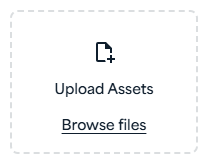
- Drag them to the drop zone in the left navigation panel
- Confirm your destination folder - if you're already inside a folder, it will be preselected
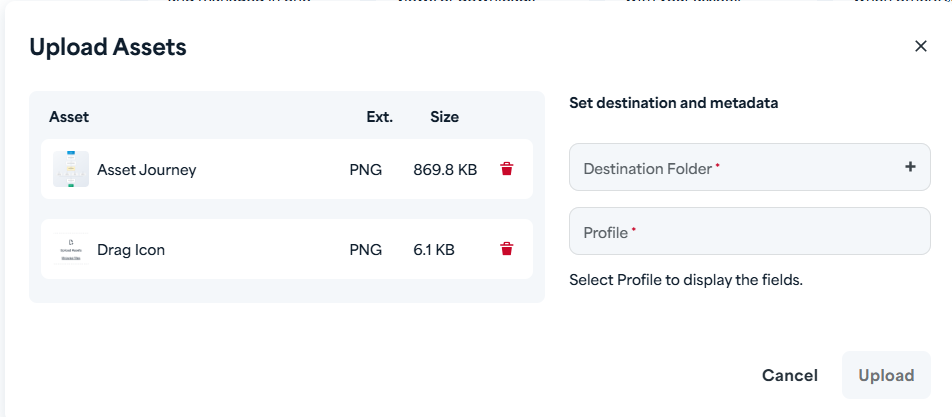
- Complete the metadata fields - fill in any required information about your asset
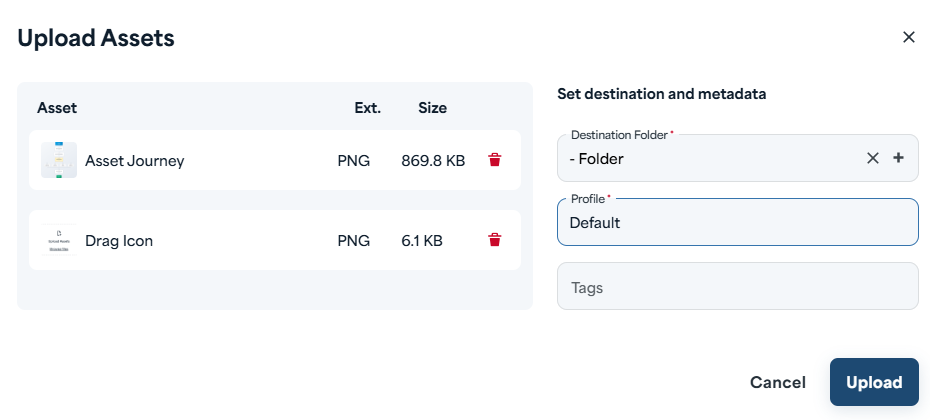
Note: When uploading multiple files, the same metadata is applied to all assets in the batch.
- Click Confirm to finish your upload
That's it! Your asset is now in your Library and ready to use.
Quick Tips
- Upload multiple files at once - drag and drop a batch of files to save time
- Change folders anytime - you can select a different destination folder during the metadata step, even after dropping files
- Edit metadata later - don't worry about getting everything perfect now; you can always update metadata after upload