How-toGet started › Quick start · Updated 16 Mar 2026
Upload Your First Asset
Getting assets into Data Dwell is simple. This guide shows you the fastest way to upload files using drag and drop.
Upload with Drag and Drop
- Select files on your computer that you want to upload
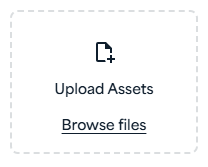
- Drag them to the drop zone in the left navigation panel
- Confirm your destination folder - if you're already inside a folder, it will be preselected
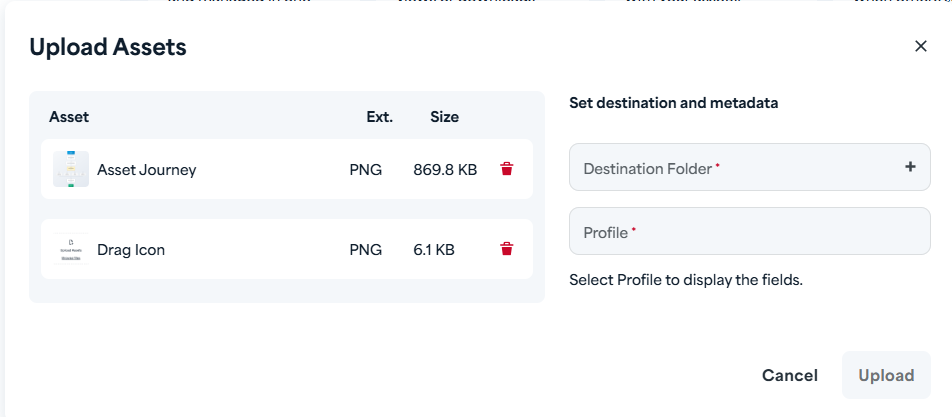
- Complete the metadata fields - fill in any required information about your asset
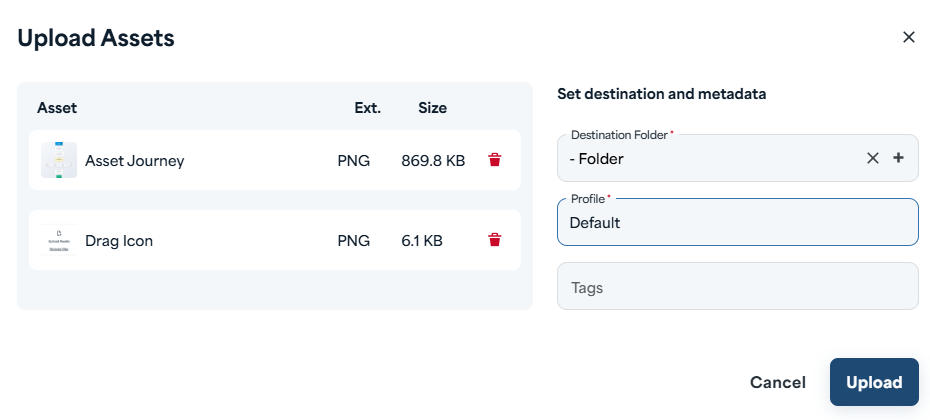
Note: When uploading multiple files, the same metadata is applied to all assets in the batch.
- Click Confirm to finish your upload
That's it! Your asset is now in your Library and ready to use.
Quick Tips
- Upload multiple files at once - drag and drop a batch of files to save time
- Change folders anytime - you can select a different destination folder during the metadata step, even after dropping files
- Edit metadata later - don't worry about getting everything perfect now; you can always update metadata after upload