Digital asset management for agencies that run more than one client
An agency does not have one brand to look after. It has fifteen, and each one has its own logos, its own approvers and its own idea of what "final" means. Data Dwell keeps every client's files in their own space and gives you a clean, branded way to hand work over.
Unlimited users from $89 a month, clients included.
Why agencies need a different setup
An in-house team organizes around campaigns. An agency has to organize around clients first, then campaigns, then versions. Three things make that hard in a shared drive.
Client files must never mix. One wrong share setting and Client A can see Client B's unreleased work. That is a conversation nobody wants to have.
Delivery is part of the product. A WeTransfer link that expires in seven days does not match the day rate you charge. How the work arrives shapes how the client feels about it.
Seats change every month. Freelancers come in for a project and leave. Client-side contacts change jobs. With per-seat pricing, every one of those changes is either a cost or an admin task.
How agencies use Data Dwell
A separate space for each client
Folder-level permissions decide exactly who sees what. Your team sees everything they work on. A client sees only their own files. A freelancer sees one project and nothing else.
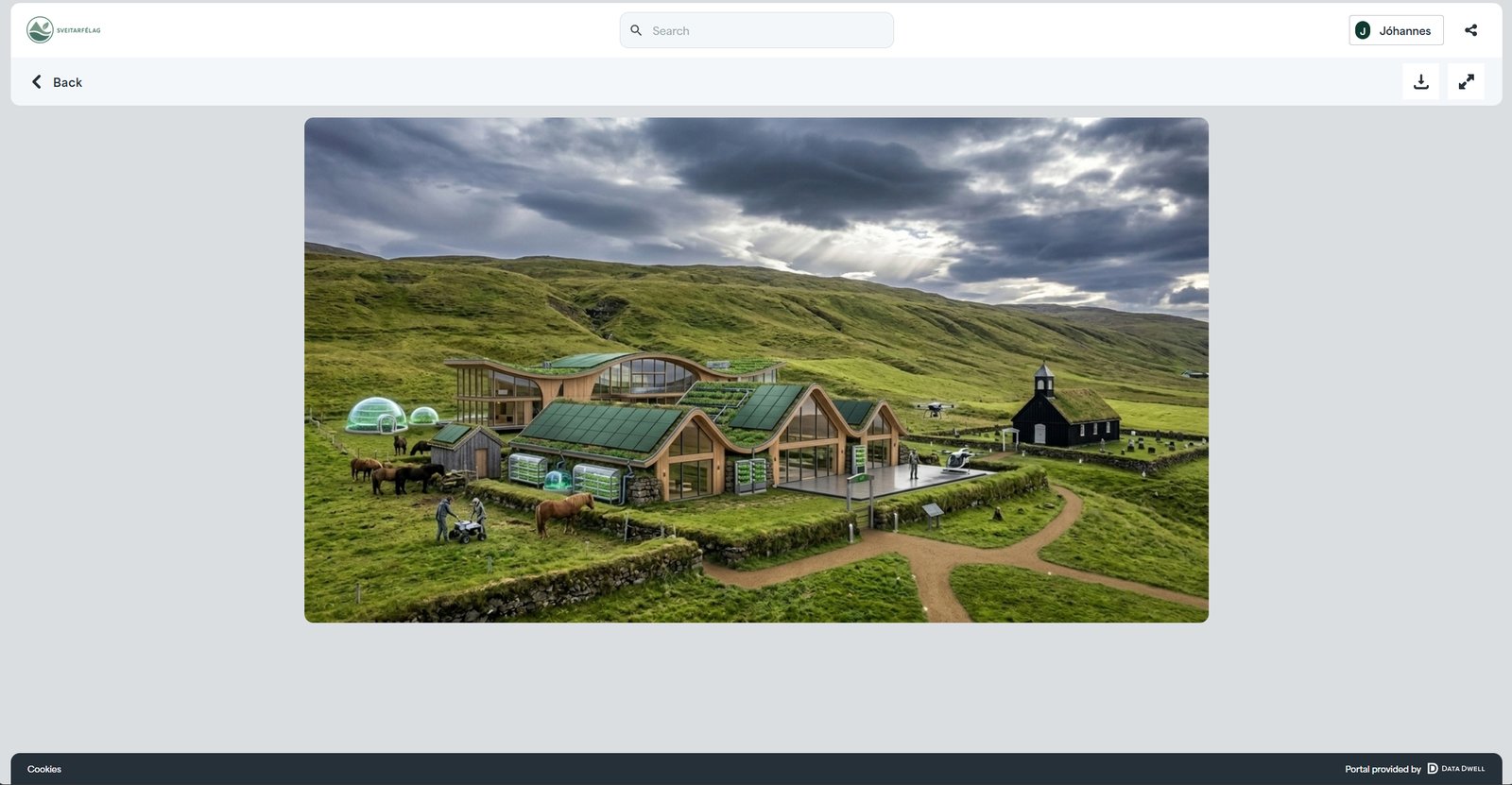
Deliver through a portal, not an attachment
Put the finished work in a portal, protect it with a password or limit it to named contacts, and send one link. You get a notification when the client opens it and you can see what they downloaded. If round two changes a file, the same link shows the new version. Portal branding is set once for the whole workspace, so every portal carries your agency's logo and colors.
Approvals with a record
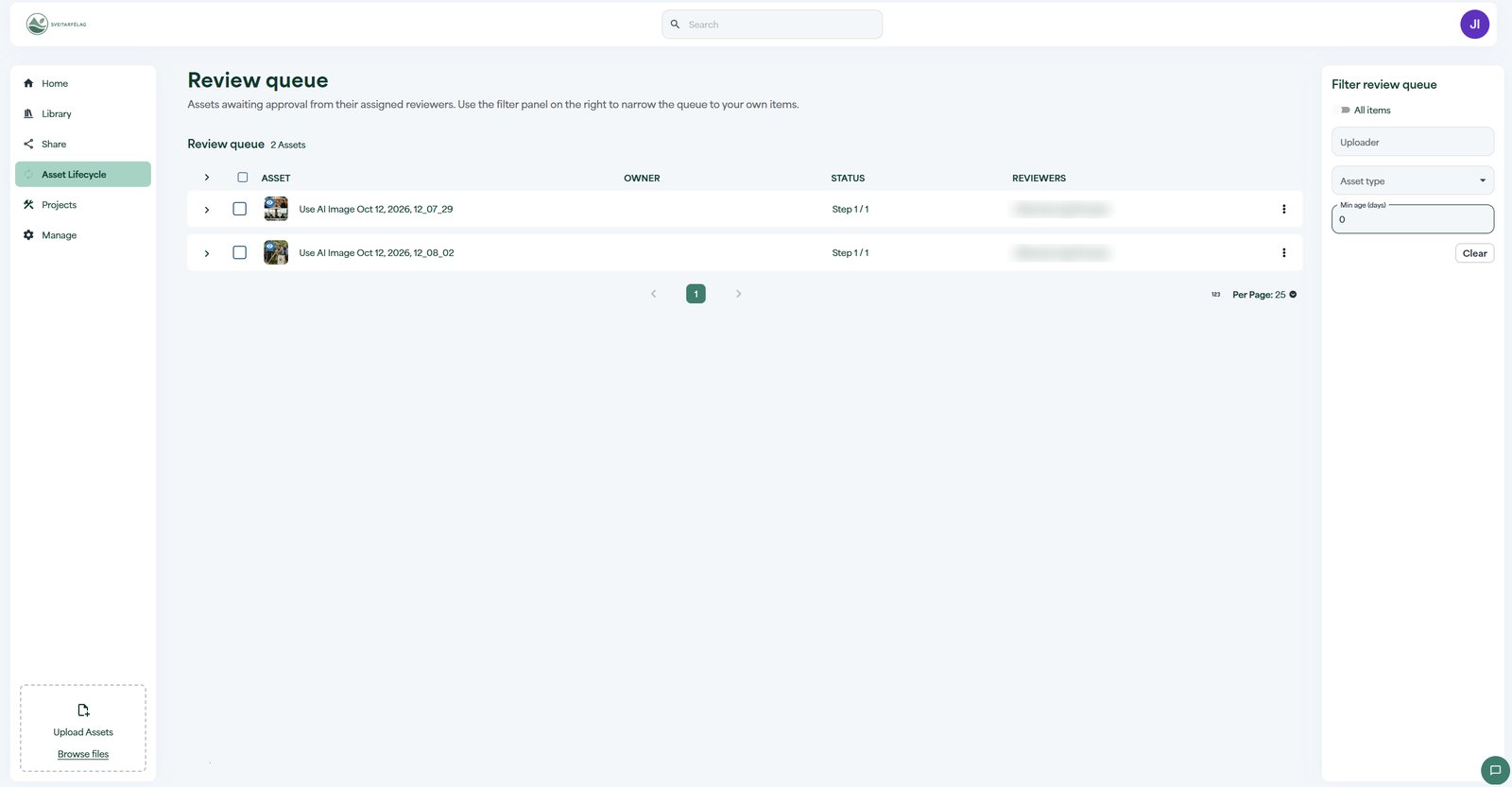
Review chains route work to the account lead or the client for sign-off, and the decision is logged. No more searching an inbox for the email where they said yes.
Embargo until launch day
Upload campaign assets early, set the embargo date and let the system release them when the campaign goes live.
Find last year's work in seconds
A client calls asking for "that shot with the blue van from the spring campaign." AI search finds it from the description, even if it was never tagged.
Bring people in and out freely
Paid plans have unlimited users. Add the freelancer on Monday and remove them on Friday without touching your bill.
Hunterlodge: from several days to five minutes
Hunterlodge, a UK advertising agency, distributes marketing material to a client network of more than 400 users. Before Data Dwell, getting assets out to that network took several days. Now it takes about five minutes. They were live in under a month, and usage across the network grew fourfold.
"We needed a system that didn't take up staff time or in-house resources."
More on how agencies work with us on the ad agencies page.
Pricing that works with agency margins
- Free: $0 for 3 users, 3 GB and 5 portals. Enough to test with one client.
- Starter: $89 per month. Unlimited users, 250 GB, 10 portals.
- Pro: $165 per month. Unlimited users, 500 GB, unlimited portals. Extra storage is $2 per 10 GB.
- Enterprise: custom, with SLA and a dedicated account manager.
Because the price does not move with headcount, the cost of the DAM per client goes down as you grow. See pricing.
Frequently asked questions
What is the best DAM for agencies?
Agencies should look for three things: strict separation between clients, a professional way to deliver work, and pricing that does not charge for every client contact. Data Dwell covers all three with permissions, portals and unlimited users. Larger networks with complex creative operations also consider Bynder or Brandfolder, which cost considerably more and are priced by quote. Air is another popular choice with agencies and is worth comparing on features and price.
Can clients access their assets without creating an account?
Yes. A portal opens from a link. You choose whether it needs a password, an email address or nothing at all.
How do we keep one client from seeing another client's files?
Permissions are set per folder and per user group. A client user is only ever given access to their own space. Portals only contain the files you put in them.
Do we pay extra for freelancers and client users?
No. Starter, Pro and Enterprise all include unlimited users.
Can we move from Dropbox or Google Drive?
Yes. You can upload your existing files directly. On paid annual plans our team handles the migration for free.
Is Data Dwell good for video production agencies?
It stores, previews and shares video well, and it is a good home for finished deliverables. It is not built for editing workflows or managing raw footage at production scale, so a video-first agency will want a dedicated tool alongside it.
Try it with one client
Pick the client who asks for files most often. Set up their space, build a portal and send them the link. You will know within a week whether it works for the rest.