Brand asset management software that keeps old logos out of circulation
Most brand problems start with a file nobody meant to send. A sales rep pulls last year's logo from a download folder. A partner builds a banner from a product shot that was replaced in March. Data Dwell gives your team and your partners one approved library, so the current version is the one people find first.
Free forever for 3 users. No credit card.
What is brand asset management?
Brand asset management is the practice of storing every approved brand file in one place and controlling who can use it, where and for how long. That covers logos, fonts, templates, photography, video and campaign material. Good brand asset management software also handles versions, approvals and expiry dates, so outdated files stop being shared.
It is a part of digital asset management. A DAM stores everything a company produces. Brand asset management is the layer that decides which of those files are approved to leave the building.
Where brand consistency usually breaks
We hear the same three stories from almost every team that comes to us.
The file lives in six places. Drive, SharePoint, a designer's desktop, an old email thread. Nobody can say which copy is final, so people pick the one they find first.
Partners work from memory. Distributors and agencies were sent a zip file two years ago and still use it. You only find out when the wrong logo shows up on a trade show stand.
Old campaigns never die. The licence on a photo ran out, or the offer ended, and the asset is still sitting in a shared folder with no warning on it.
How Data Dwell keeps a brand consistent
One library with real version control
Upload a new version and it replaces the old one everywhere the file is shared. The history stays available if you need to roll back. Duplicate detection catches the copies before they multiply.
A lifecycle for every asset
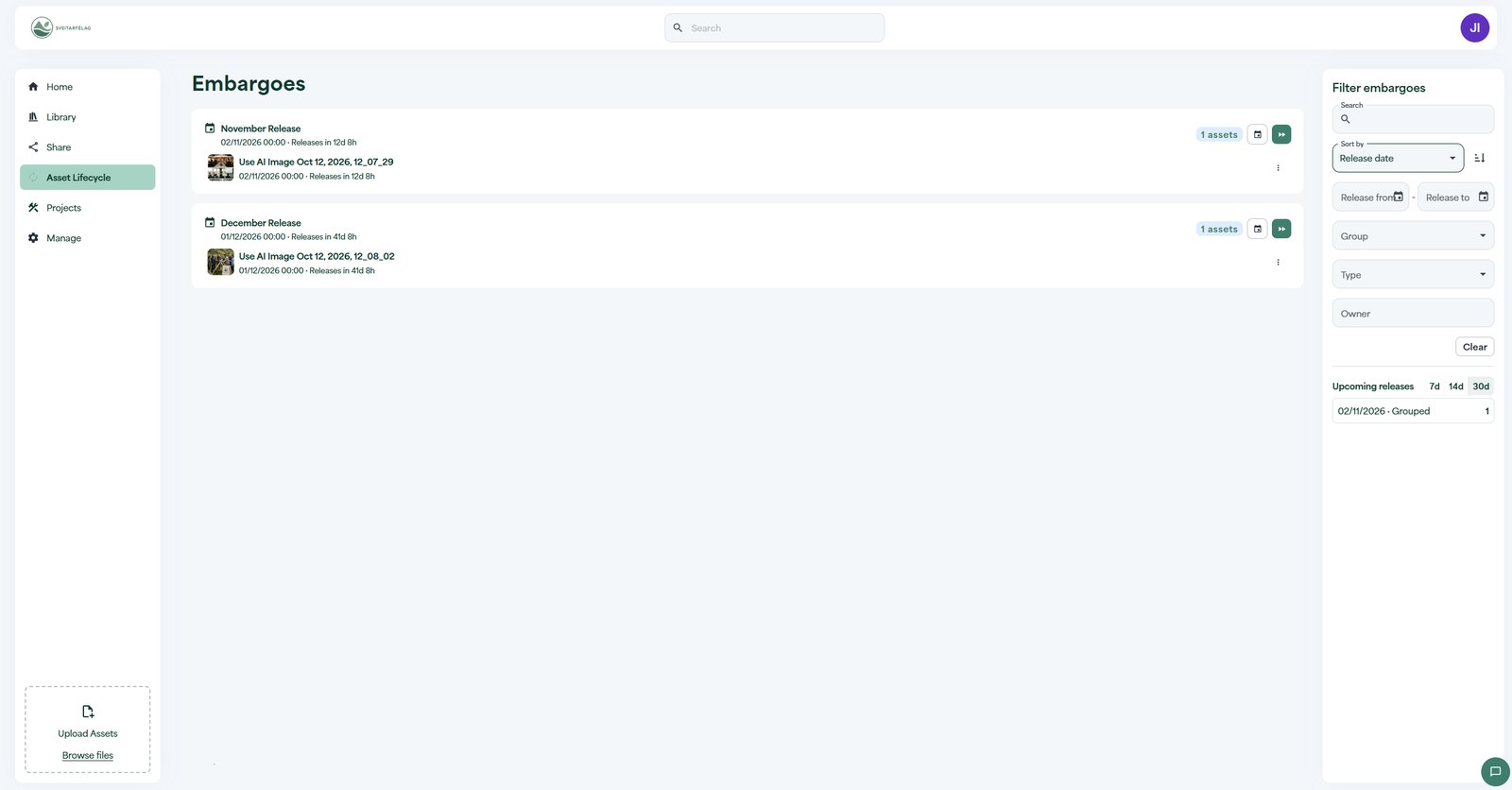
Files move through Review, Embargo, Active, Expiration and Archive. You can set an embargo date for a launch and an expiry date for a licence, and the system makes the change on the day. Nobody has to remember. See asset lifecycle.
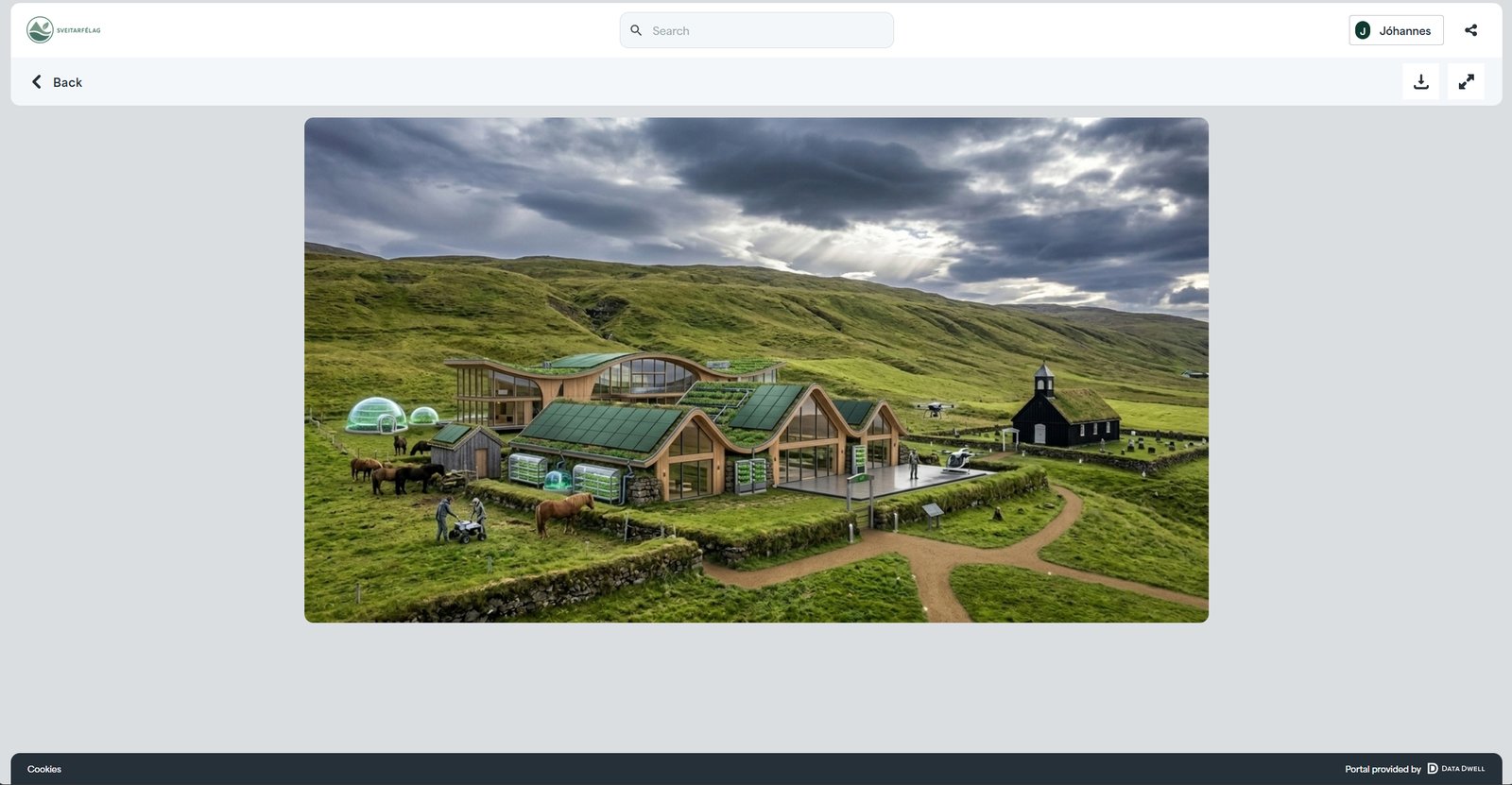
Branded portals for partners
Instead of sending attachments, share a portal with your own logo and colors. Protect it with a password or an email gate, set an end date, and see who opened it and what they downloaded. When you update a file in the library, the portal updates too.
Search that understands what is in the picture
AI search reads the content of images, so "red jacket on a glacier" finds the shot even if nobody tagged it. AI tagging adds keywords on upload. One honest limit: it does not recognize individual people or logos.
The right format on download
Marketing wants a PNG, the printer wants a high-resolution file, and the web team wants something small and fast. File conversions and saved presets produce each of them from the same master file, including the image sizes the major social media platforms need.
Permissions that match how you work
Decide who can upload, who approves and who can only download. Review chains route new files to the right person before they go live.
What it looks like in practice
PPDS, the company behind Philips professional displays, runs its global partner program on Data Dwell. Product images and documents flow from the library into their website CMS and their partner portal, which saves each employee who manages or creates content more than two hours a week. They have been a customer for over four years. Read the PPDS story.
Pricing that does not punish you for adding people
Most brand asset management platforms charge per seat and only show a price after a sales call. Ours is on the website.
| Plan | Price | Users | Storage | Portals |
|---|---|---|---|---|
| Free | $0 | 3 | 3 GB | 5 |
| Starter | $89 per month | Unlimited | 250 GB | 10 |
| Pro | $165 per month | Unlimited | 500 GB | Unlimited |
| Enterprise | Custom | Unlimited | Custom | Unlimited |
AI search, AI tagging, versioning, lifecycle rules and custom branding are included on every plan, including Free. See full pricing.
Who uses it
Brand and marketing teams at companies with dealers, distributors or regional offices get the most from it. So do agencies that hold brand files for several clients, and creative teams that are tired of being the help desk for "can you send me the logo?"
Frequently asked questions
What is the difference between brand asset management and digital asset management?
Digital asset management covers every file a company keeps, including raw footage and working files. Brand asset management focuses on the approved, finished material that represents the brand, and on controlling how it is shared. Data Dwell does both in the same library.
What is the best brand asset management software for a small team?
It depends on budget and how many people need access. Bynder, Brandfolder and Frontify are strong enterprise options, but none of them publish prices, so you need a sales call to find out what it costs. Data Dwell has a free plan for three users and paid plans from $89 a month with unlimited users, which suits teams that want to start without a procurement process.
Can external partners access brand assets without a login?
Yes. A portal is a shared link. You can leave it open, add a password, ask for an email address first or limit it to named contacts. Partners do not need an account.
How do we stop people using expired or outdated assets?
Set an expiry date on the file. When the date arrives, the asset leaves the active library and any portal it appears in. Replacing a file with a new version updates it everywhere at once.
Does Data Dwell work with Adobe Creative Cloud and Figma?
Yes, through LinkrUI, a connector from Santa Cruz Software. Designers can search, open and place Data Dwell assets directly inside Adobe apps such as Photoshop, Illustrator and InDesign, and in Figma.
How long does setup take?
You can sign up and upload your first files the same day. AI Architect, the built-in setup assistant, suggests a folder and metadata structure based on your files. Migration from another system is free on paid annual plans.
Give your brand one home
Start with the free plan, upload your logo pack and share your first portal this afternoon. If you would like a walkthrough first, we are happy to show you.