Data Dwell Blog
DAM vs CMS: What's the Difference and Do You Need Both?
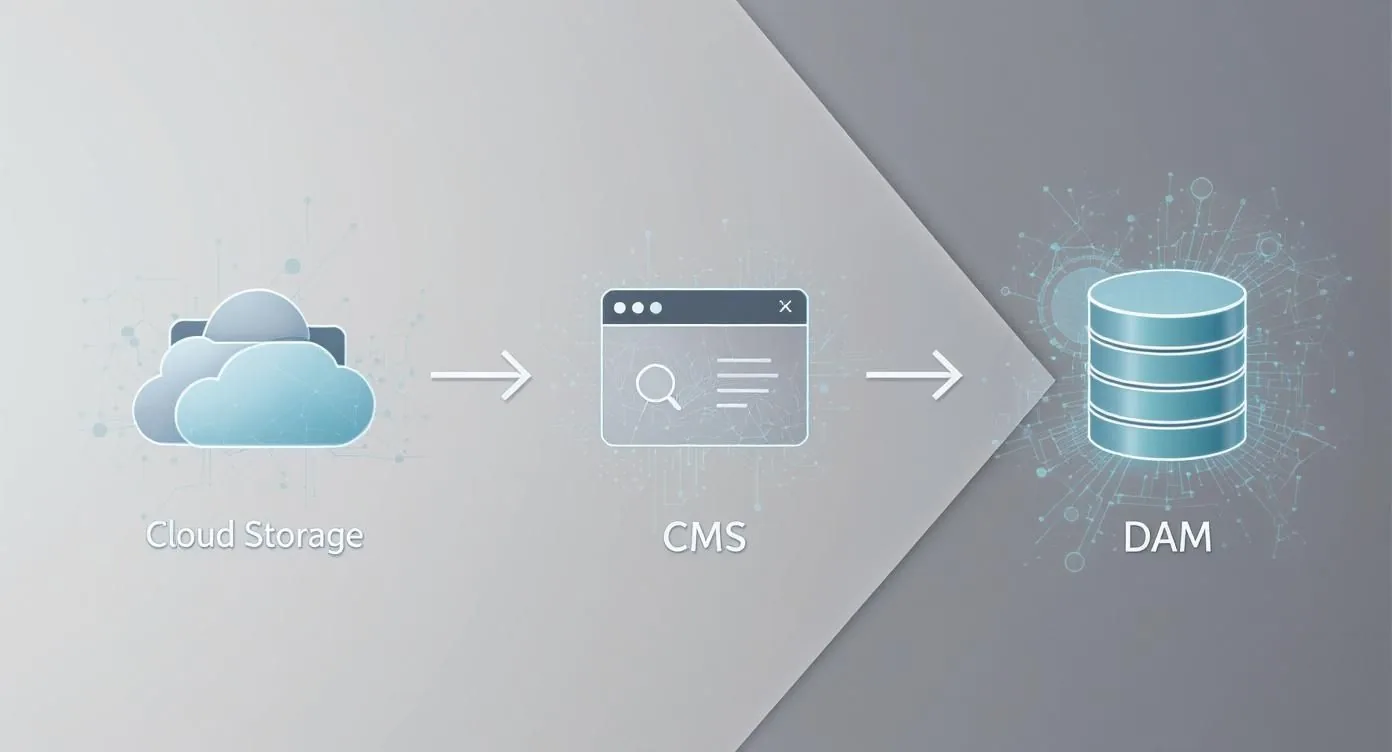
A CMS (content management system) builds and publishes web pages. A DAM (digital asset management system) stores, organizes and distributes the files those pages use, such as images, videos and documents, and makes the same files available to every other channel. Put simply, a CMS manages where content appears and a DAM manages the content itself.
Most growing companies end up with both. Below we cover what each one does, where they overlap and how to tell when your CMS media library has stopped being enough.
What is a CMS?
A content management system is software for creating, editing and publishing website content without writing code. WordPress, HubSpot CMS, Contentful and Webflow are common examples.
A CMS is built around pages. It looks after layouts, text, menus, URLs, SEO fields and publishing schedules. It does have a media library, but that library exists to serve the website. It is where you upload the image you are about to place on a page.
What is a DAM?
A digital asset management system is a central library for all of an organization's digital files. It is built around assets, not pages. Each file carries its own metadata, version history, usage rights and permissions, and it can be shared with any person or system that needs it.
A DAM can answer questions that a CMS cannot. Which version of this product photo is approved? Who is allowed to download it? When does the license run out? Which partners already have it? If you are new to the topic, our guide to digital asset management covers the basics.
DAM vs CMS: the differences at a glance
| CMS | DAM | |
|---|---|---|
| Main job | Publish and manage web pages | Store, organize and distribute files |
| Built around | Pages and posts | Individual assets |
| Typical users | Web editors, content marketers | Marketing, brand, sales, agencies, partners |
| Where content goes | One website or app | Every channel: web, social, print, sales, partners |
| Search | By page title or file name | By what the image shows, metadata and text inside documents |
| Versions | Page revisions | A version history for every file |
| Rights and expiry | Not tracked | License details and automatic expiry |
| Sharing outside the company | Not designed for it | Branded portals with access control and tracking |
| File formats | Web-ready files | Any file type and size, including source files |
Where a CMS media library runs out
A CMS media library does its job when one small team manages one website. It starts to strain once any of the following is true.
The same image is needed in five places. The website, a sales deck, a trade show banner, a distributor's catalog and a social post all need the product shot. The CMS only serves the first of those.
People outside the web team need files. Sales reps and partners do not have CMS logins, and they should not. So they ask for files by email, and copies start to multiply.
You have more than one site. Regional sites, or a separate online store, each get their own media library. Now the same logo lives in four systems, and a rebrand means updating all four.
Files have conditions attached. A licensed photo can be used until March. A campaign has to stay hidden until launch day. A CMS cannot enforce either rule.
Nobody can find anything. CMS libraries are searched by file name and upload date. After a few thousand uploads, that stops being useful.
How a DAM and a CMS work together
The two systems are not rivals. In a healthy setup the DAM is the single source for files and the CMS pulls from it. It goes like this:
- A designer uploads the final image to the DAM, where it is tagged, reviewed and approved.
- The web editor searches for it from inside the CMS, or the website requests it from the DAM through an API.
- When the image is replaced with a new version in the DAM, the website shows the new one. Nobody uploads it again.
- When the image expires, it is withdrawn everywhere at once.
This is how PPDS, the global provider of Philips Professional Displays, runs its website. Their Global Digital Marketing Manager describes searching for an asset from within the website's CMS and having it ready to add to the page right away. Devyser, a medical diagnostics company, takes it a step further. Its website updates automatically through an API connection with HubSpot whenever a document changes in Data Dwell. You can read both stories here: PPDS and Devyser.
Do you need both?
Use this as a rough guide.
| Your situation | What you need |
|---|---|
| One website, one small team, a few hundred images | A CMS is enough for now |
| Files are used beyond the website: sales, print, partners | A DAM alongside your CMS |
| More than one website or brand | A DAM as the shared source for all of them |
| Licensed content, launches under embargo or regulated documents | A DAM, for the expiry and approval rules |
| You spend more time finding files than using them | A DAM |
If you saw yourself in the second row or anywhere below it, your CMS is doing a job it was never built for. Our post on the five signs you have outgrown shared folders is about shared drives, but most of it applies to CMS libraries as well.
What about DAM vs PIM and DAM vs MAM?
Two other systems often get pulled into this conversation.
PIM (product information management) holds product data: SKUs, specifications, prices and descriptions. A DAM holds the images and documents that go with those products.
MAM (media asset management) is a specialist system for video production workflows in broadcasting and film. A DAM treats video as one asset type among many.
See how a DAM fits next to your CMS. Data Dwell is free to start, with API access on every plan.
Frequently asked questions
Is a DAM the same as a CMS?
No. A CMS creates and publishes web pages. A DAM stores and manages the files used on those pages and in every other channel. They do different jobs and are often used together.
Can a CMS replace a DAM?
Only for a small team with one website and a modest number of files. A CMS media library has no real version control, usage rights, approval workflows or external sharing, so it cannot manage assets across a whole organization.
Can a DAM replace a CMS?
No. A DAM does not build web pages or manage site navigation. It supplies the files that a CMS publishes.
Do I need both a DAM and a CMS?
You need both when your files are used beyond your website, when you run more than one site, or when assets have rights or expiry dates attached. If none of those apply, a CMS on its own may be enough for now.
How do a DAM and a CMS integrate?
Usually through an API or a plugin. The CMS requests files from the DAM, so editors can pick approved assets without leaving the CMS, and changes made in the DAM flow through to the website.
What is the difference between a DAM and cloud storage?
Cloud storage, such as Google Drive or Dropbox, stores and syncs files. A DAM adds visual search, metadata, approvals, usage rights and tracked sharing. DAM vs Google Drive goes into more detail.